Simplify Web Dev with Pravatar for Placeholder Avatars
Leroy · 4 Oct 2023 · 1 min read
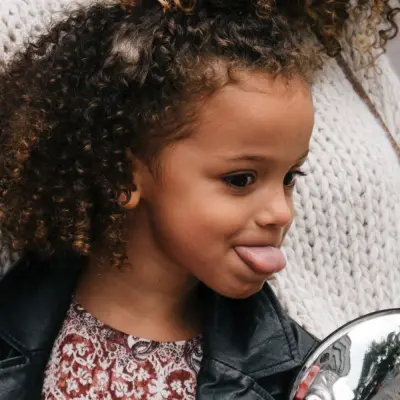
Image Credit: Pravatar
When I build a web app with user profiles, comments, or social features, I need avatars. Finding images and resizing them for different layouts takes time. Pravatar solves that.
Pravatar generates placeholder avatar images. It serves randomly generated avatars over a simple URL. You use them in any web project without worrying about licenses or attribution.
There's one thing it does: serve an avatar image at a URL. That's enough.
Pravatar generates a different image each time you load a URL. If you pass a unique identifier, it returns the same avatar consistently for that identifier.
Using Pravatar
Build a URL and use it as an image source.
https://i.pravatar.cc/150?u=example.com
150 is the image size in pixels. The u parameter is a unique identifier for the user. The same identifier always returns the same avatar.

<img src="https://i.pravatar.cc/150?u=example.com" alt="User Avatar" />
That's it. The URL goes into an img tag or a CSS background-image property.
If you omit the size parameter, Pravatar returns the default size. If you omit the u parameter, each page load shows a different random avatar.
Default Image
Sometimes you need a fallback when no user avatar exists. Pravatar provides a default image URL that returns a consistent placeholder avatar. You can use it as a src fallback or directly in your templates.