A Step-by-Step Guide to Installing Python
Leroy · 4 Oct 2023 · 1 min read
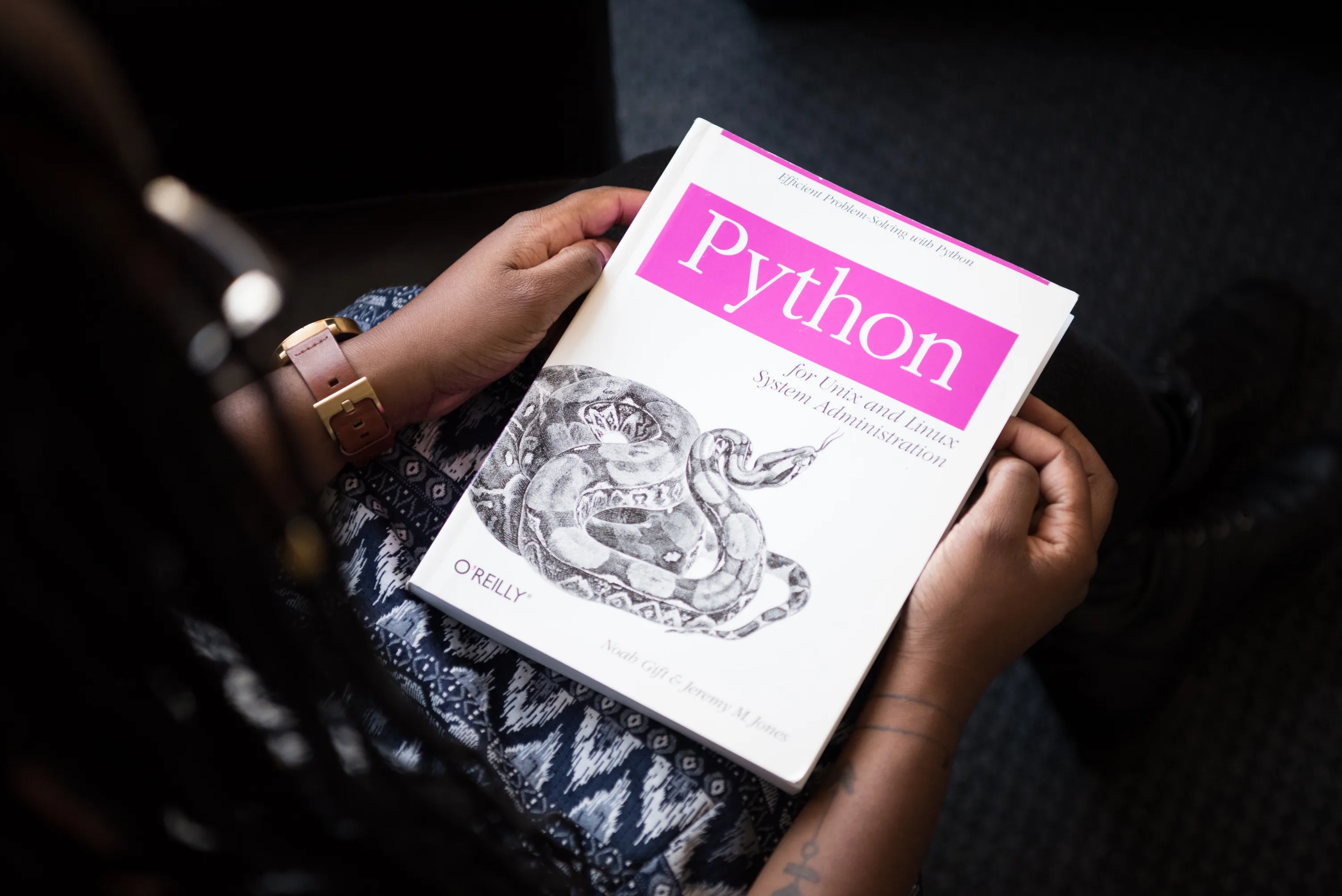
Image Credit: Christina Morillo
Installing Python
I use Python for most of my projects. Here is how to install it on your system.
Download Python
Go to python.org/downloads and download the installer for your operating system.
- Windows: download the "Windows Installer" executable.
- macOS: download the package file for the latest version.
- Linux: Python is often pre-installed. Use your system's package manager if not.
Run the Installer
Windows
- Double-click the installer.
- Check "Add Python X.X to PATH".
- Click "Install Now".
macOS
- Open the downloaded
.pkgfile. - Follow the prompts.
Linux
Use your package manager. On Debian-based systems like Ubuntu:
sudo apt-get update
sudo apt-get install python3
Verify Installation
Open a terminal and run:
python --version
You should see the Python version number.